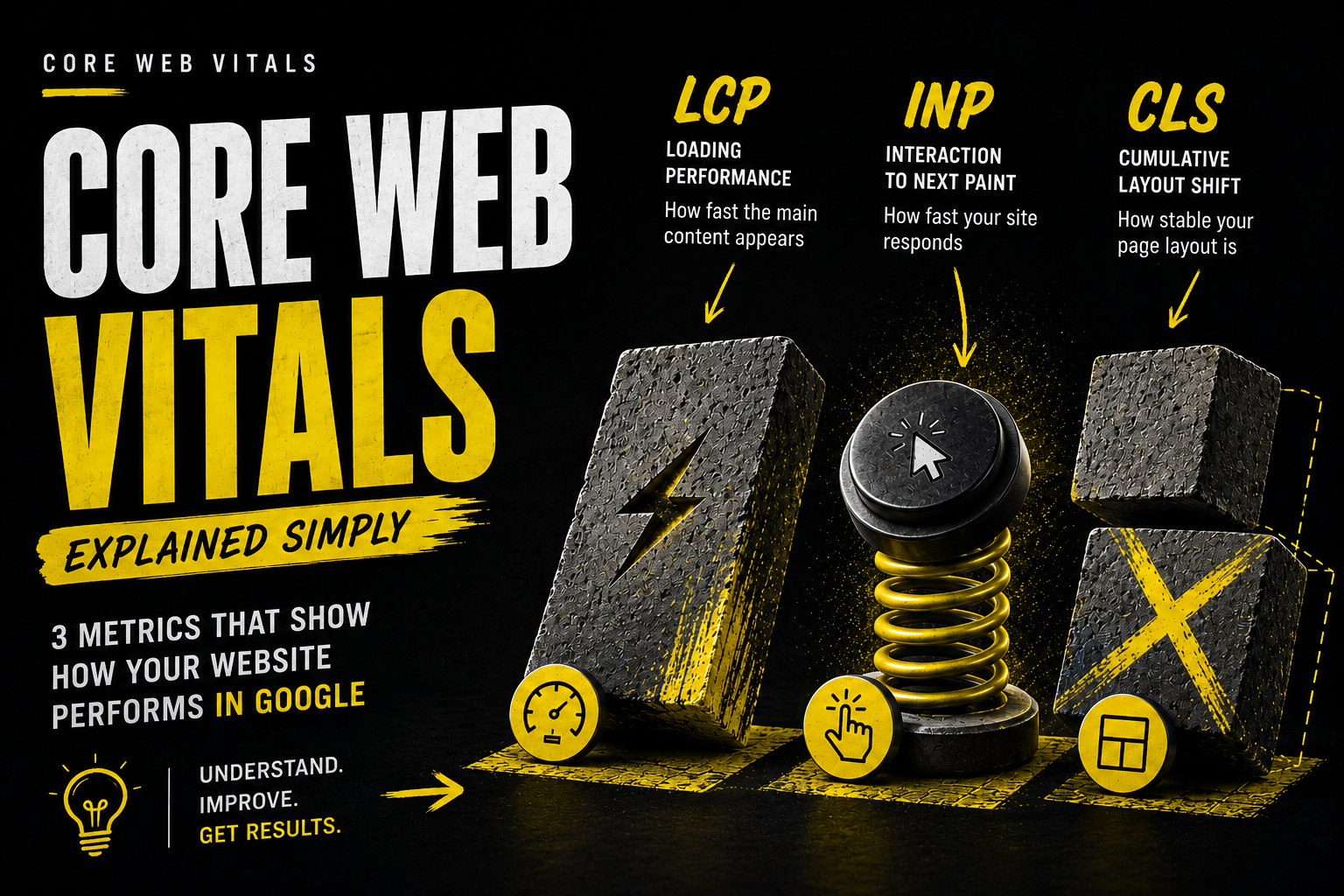
Core Web Vitals is a term you often hear in an SEO context, but one that's rarely explained without technical jargon. Put simply, it's three measurements Google uses to judge how pleasant and fast your site feels to a real user. And because Google uses these metrics in ranking, a slow or "jumpy" site can lose positions no matter how good its content is.
The three metrics in plain language
Largest Contentful Paint (LCP) - how long it takes for the largest visible element on the page (often a hero image or headline) to appear fully. If a person has to wait more than 2.5 seconds to see the main content, that counts as slow.
Cumulative Layout Shift (CLS) - how much the elements on the page "jump" during loading. Everyone has experienced trying to click a button that suddenly moves because an ad or image appears above it - that's a bad CLS score.
Interaction to Next Paint (INP) - how quickly the page reacts to a user action (a click or tap). If you have to wait a couple of seconds after clicking for something to happen, the site feels "frozen".
Why Google pays attention to this
Google's goal is to show users the best result - and a site that's slow or awkward to use delivers a poor experience no matter how well its content is written. Core Web Vitals is Google's way of measuring real user experience rather than relying on textual relevance alone.
What most often ruins these metrics
Heavy, unoptimised images. High-resolution photos without compression or in the wrong format (for example, JPG instead of WebP) are one of the most common causes of LCP problems.
Third-party scripts. Analytics tools, chatbots, ad scripts - each of them adds extra loading time and can slow down page interactivity.
Fonts and ads that load late. If text or images appear after the initial page load and "push" the rest of the content, that produces a high CLS score.
Missing image size definitions. If the browser doesn't know an image's dimensions in advance, it reserves the wrong space, causing content to jump when the image finally loads.
How to check your site's metrics
The simplest free option is Google PageSpeed Insights (pagespeed.web.dev) - enter your site's address and it will show all three metrics for both mobile and desktop, along with specific recommendations on what to improve.
FAQ
Are Core Web Vitals the only SEO factor?
No, it's one of many factors, but an important one because it directly affects whether visitors stay on the site or leave frustrated.
How do I know whether my site passes the Core Web Vitals check?
Google PageSpeed Insights shows a clear rating (good, needs improvement, poor) for each of the three metrics, for both mobile and desktop.
Are mobile and desktop versions rated the same?
Google primarily uses the mobile version for ranking (mobile-first indexing), so mobile metrics matter even more than desktop ones.
Does improving Core Web Vitals produce a quick SEO effect?
The effect usually isn't visible in rankings straight away, but it improves user experience and reduces bounce rate, which has a positive long-term impact on SEO too.
*If you'd like to find out how your site fares on Core Web Vitals, our SEO team includes this check in every technical audit. For more on what a full audit covers, read the What is a technical SEO audit? article.*