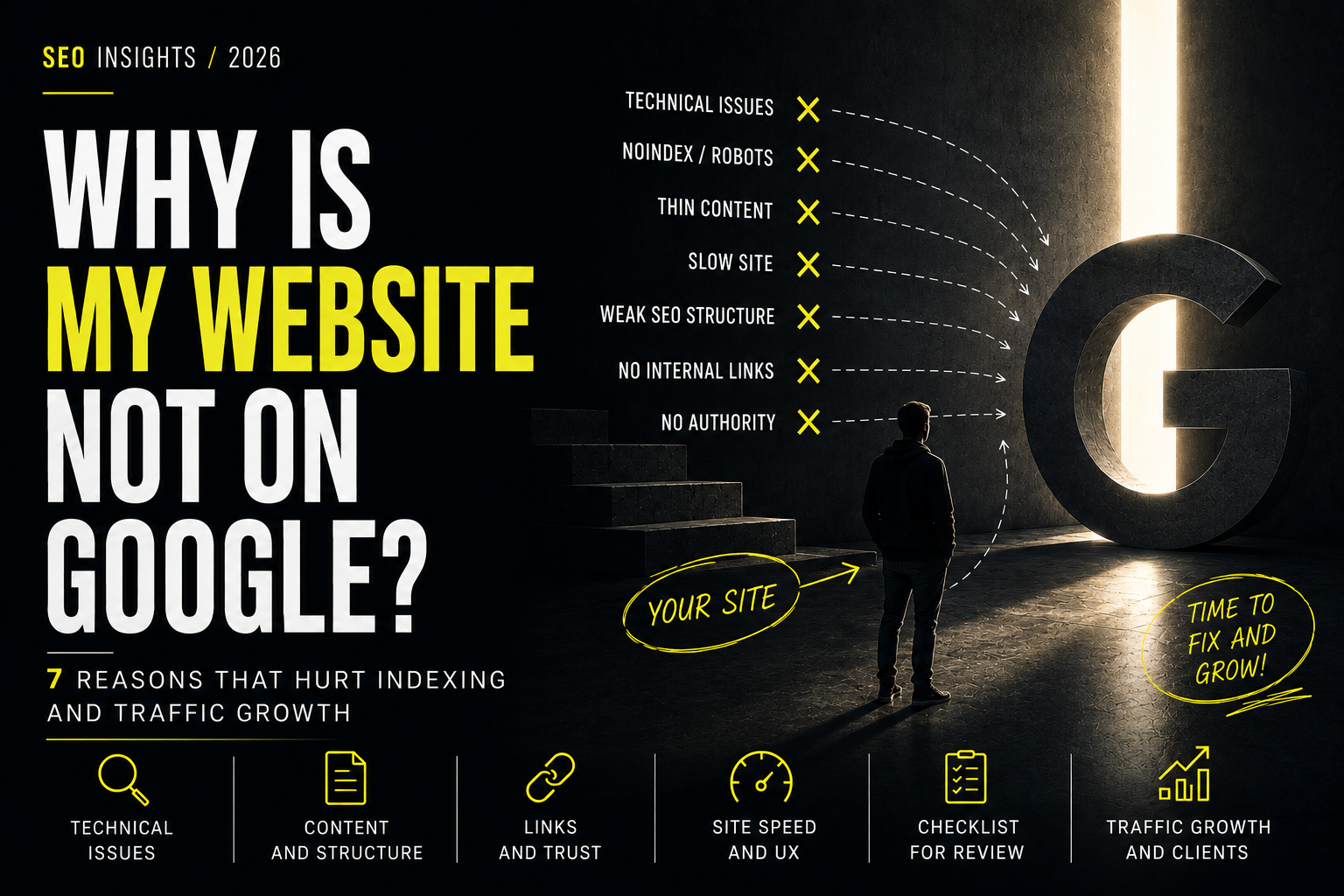
One of the most common calls we get starts like this: *"Our website isn't in Google. We type in the name and it isn't even on the first page."*
This problem is often neither mysterious nor complex - it is one of a handful of recurring, verifiable things. Before calling an SEO agency, you can check these seven points yourself in about 15 minutes.
1. Is the site indexed at all
The first and simplest test: in Google, type site:yoursite.com. If results appear, the site is indexed and the problem lies elsewhere (in ranking, not indexing). If there are no results at all, the site is physically not in Google's database, and that must be solved first, before thinking about rankings.
2. Robots.txt is blocking access
The file yoursite.com/robots.txt defines what Google's crawler may and may not visit. In rare but real cases, this file accidentally blocks the whole site (Disallow: /) - often after moving from a development environment to the live site, when the developer forgets to remove the block that was used to keep Google from indexing an unfinished version.
3. A stray or incorrect "noindex" meta tag
Individual pages (or the entire site) may have <meta name="robots" content="noindex"> set, which literally tells Google not to index the page. It sometimes lingers accidentally from the development phase or a staging environment.
4. The site is too new
If the site was launched a few days or weeks ago, Google simply hasn't had time to discover and process it. For a new site with no sitemap submitted to Google Search Console and no external links, the process can take anywhere from a few days to several weeks.
5. No sitemap.xml has been submitted
A sitemap is a list of all the site's pages that is submitted to Google Search Console to speed up discovery. Without it, Google can still find the site (via links from other sources), but the process is slower and less predictable.
6. Technical errors prevent Google from rendering the page correctly
Modern sites built on JavaScript frameworks sometimes produce a situation where Google sees an empty or partially loaded page when the technical implementation isn't correct. This is less common with well-configured modern technologies, but it remains a real risk when the page relies solely on client-side rendering without proper server-side support.
7. Duplicate or competing content
If the site has several versions showing identical or very similar content (for example, with and without "www", or old pages left over from a previous version of the site), Google may choose to show only one of them - or none, if it isn't clear which version is the "canonical" one.
When it isn't a technical issue but a competition one
If all seven points are in order and the site is indexed but still doesn't rank high for specific queries, this is no longer an indexing problem. It means the site is in Google's database but competing with other pages for a specific query - and that starts a different conversation about content quality, link profile and technical optimisation, not about whether Google "sees" your site at all.
FAQ
How long does it take Google to index a new website?
Usually within a few days to a few weeks, depending on whether a sitemap has been submitted and whether any external links already point to the site.
Can I speed up indexing myself?
Yes - submitting sitemap.xml in Google Search Console and using the "Request indexing" feature for individual pages can speed up the process.
How do I check whether robots.txt is blocking my site?
Open yoursite.com/robots.txt in a browser and check whether there is a line Disallow: / that would block the entire site.
What if all the technical points are fine but there are still no rankings?
Then the problem usually lies in competition, content quality or the link profile - and in how thoroughly the semantic core has been researched. A fuller SEO audit is needed, not just a technical check.
*If the cause still isn't clear after this check, our SEO team can run a full technical audit and tell you precisely what's happening. You can also run the check yourself - see how to check if Google can see your website. You can read more about SEO pricing in the SEO pricing in Latvia article.*