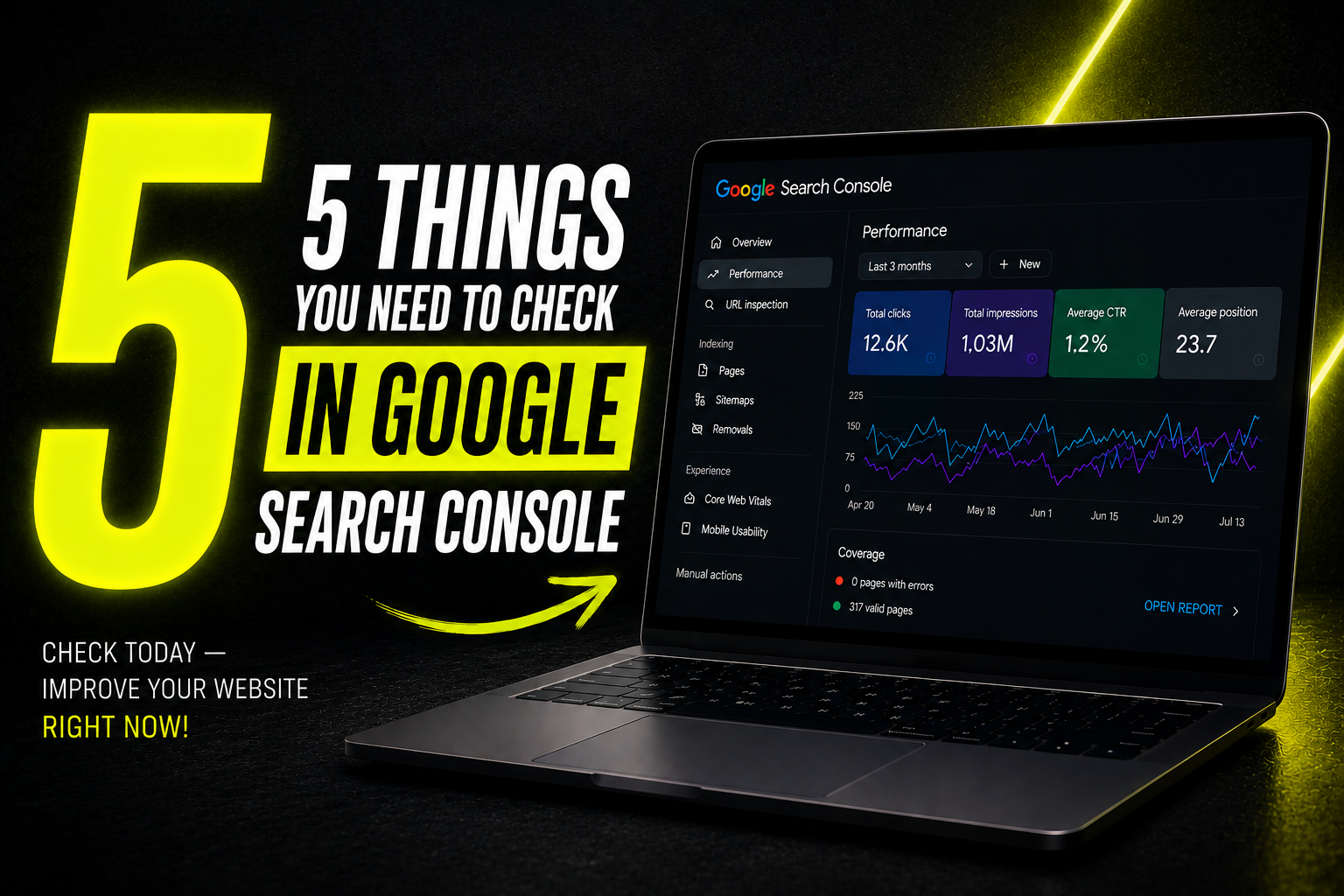
Google Search Console is a free tool straight from Google that shows how a site actually behaves in search - yet most companies rarely open it, if at all, and only notice a problem once it has been affecting traffic for a long time. A regular check - even 10 minutes a week - can catch issues before they get serious.
1. Performance - positions and clicks
The "Performance" section shows overall metrics - how many times the site appeared in search results, how many times it was clicked, average position and CTR. What matters isn't daily fluctuations but the general trend over several weeks. If the site only appears for a narrow set of queries, that usually points to a semantic core that hasn't been developed deeply enough.
If Performance shows that some pages earn impressions but almost no clicks, the next step is a 30-minute content audit that decides what to update, merge, or remove.
2. Pages - indexing status
The "Pages" section shows how many pages are indexed and how many aren't, along with specific reasons some don't get indexed. A new 404 error or a sudden drop in the number of indexed pages is a signal worth investigating.
3. The Core Web Vitals section
This section shows how many pages meet Google's performance standards. If the "Poor URLs" number suddenly increases, it often means recent changes to the site have slowed pages down.
4. Manual actions and security issues
A rare but critical section - if Google detects a manual violation or a security issue, it will appear here. Such problems can dramatically reduce visibility, so any warning needs to be addressed immediately.
5. Sitemaps status
Check that the submitted sitemap.xml is still being read without errors and that new pages appear in it and are discovered within a reasonable time after publication.
How to tell a normal fluctuation from a real problem
Search data naturally fluctuates over the day and the week. A real problem usually shows up as a sustained, multi-day downward trend, not a single day with lower numbers. If you're not sure, compare with the same period a month ago, not just the previous day.
FAQ
How often should Google Search Console be checked?
Ideally once a week. After major site changes - more often, even daily during the first weeks.
Why did my site's visibility suddenly drop?
The reasons can vary - an algorithm update, a technical issue, competitor improvements or seasonal changes. Search Console data helps narrow down the possibilities.
What should be done if a manual action or security warning appears?
Investigate the specific problem and fix it immediately - these issues can dramatically reduce visibility or remove the site from search results entirely.
Do Search Console data differ from Google Analytics data?
Yes - Search Console shows how the site appears in Google search before the click, while Analytics shows what happens after the visitor lands on the site.
To see how Search Console data helps assess visibility in AI search, read the guide How to measure brand visibility in AI search.
*If Search Console data shows a problem you can't explain, our SEO team can help analyse and resolve it. For a step-by-step indexing check, see How to check if Google can see your website. Read more in the What is a technical SEO audit? article.*