We've been working with businesses since 2020. And one of the most common situations looks like this: a company launches ads, spends budget, gets clicks - but barely any leads come in.
The first instinct is that the problem is with the ads. They change the audience, rewrite the copy, increase the budget. Same result. Then we look at the website - and that's where the real reason turns up.
Not always. But often enough that it's become a standard part of our process: before launching ads, we check the technical foundation of the website.
Why this matters specifically before running ads
Organic search traffic comes in slowly. People find the site, come back, gradually build familiarity. Technical problems get absorbed over time. Paid traffic works differently. You pay for every click. Someone clicks on your ad - and you have literally 3 seconds to keep them on the page.
- If the page takes 6 seconds to load - they're gone. Money spent.
- If the site isn't adapted for mobile - they're gone. 60%+ of traffic comes from phones.
- If there's no SSL - the browser shows a 'Not Secure' warning. They're gone.
This isn't a hypothesis. Google has published its own data: every additional second of load time reduces conversion by 7%. With a slow website, ads simply cost more - you're paying for clicks that don't convert.
What specifically affects website readiness
There are several parameters we check for every client before launching a campaign.
Page speed
Measured by FCP (when the user sees the first content) and LCP (when the main block of the page loads). LCP is part of Core Web Vitals - Google officially uses this data when ranking pages and evaluating landing page quality in ad campaigns. A high LCP = a higher cost per click in Google Ads.
Mobile optimisation
Google indexes websites based on their mobile version. If the viewport isn't configured or images aren't optimised - the site will look broken on a phone. For advertising, this is critical.
SSL certificate
HTTPS is a basic requirement. Without it, Chrome and Safari browsers display a full-screen warning. The conversion rate of such a page approaches zero.
SEO tags
Title and Meta Description affect more than just organic search. The Google Ads system evaluates the relevance of your landing page - this directly affects your Quality Score and cost per click.
H1 heading
Helps both the search engine and the user understand what the page is about. A missing H1 is a signal that the page is not optimised.
Check your website right now
You don't need to be a technical specialist to find out the state of your website. Enter your URL below - we'll check the key parameters and show you exactly what's affecting your readiness for advertising.
Find out what's slowing
your website's growth
Enter your URL - we'll check speed, SEO tags and show how each issue affects your rankings and customers.
What to do with your results
Speed score 0-49 (red)
This means the website is slow even by organic traffic standards. For paid advertising this is a serious problem - you'll pay more for every click and get fewer conversions. The main causes: heavy unoptimised images, excessive JavaScript, lack of caching, slow hosting. Most of these issues can be fixed without a full website rebuild. Running ads with this result is possible, but your cost per lead will be significantly higher than it needs to be.
Speed score 50-79 (yellow)
An average result. The site works, but there's room for improvement. On mobile devices, such a site may perform worse than on desktop - and that's exactly the audience that social media ads most often reach. Ads will work, but speed optimisation will produce a noticeable conversion uplift without increasing budget.
Speed score 80+ (green)
A solid foundation. The technical base won't hold back your advertising. The next step is to look at the quality of the landing page itself - the offer, structure, and CTA.
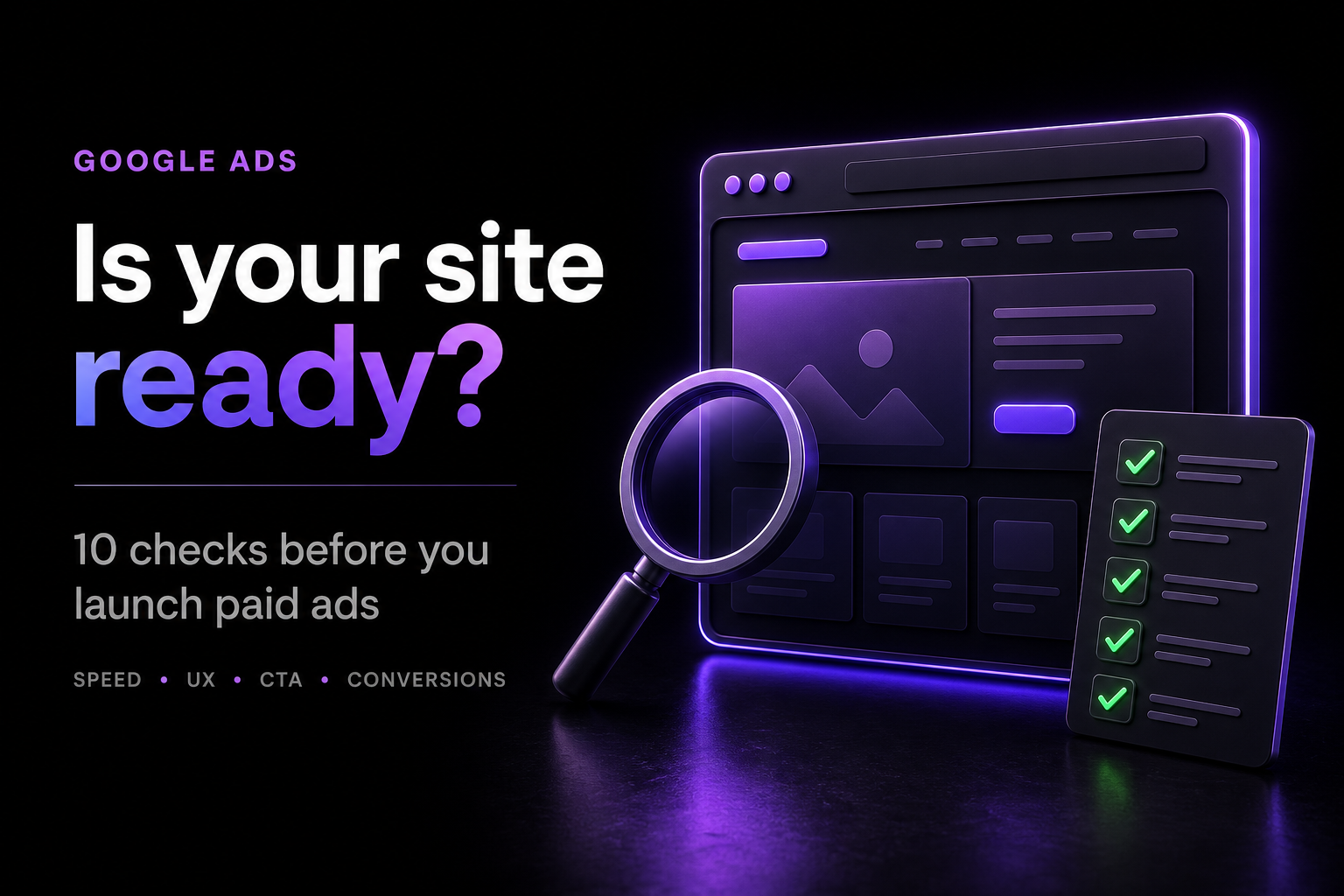
If there are red items in the checklist
SSL, Title, Meta Description, H1 - each of these affects your Quality Score in Google Ads. A low Quality Score means Google shows your ad less frequently and charges more per click. These are direct financial costs.
What comes next
A technical audit is the first step. It shows whether there are problems with the foundation. But website readiness for advertising is broader than that. It also includes the quality of the landing page itself: how clear the offer is, whether there's trust (reviews, case studies, contact details), and whether the enquiry form is easy to use.
Website readiness matters even more with broader automation, when Google can select the landing page itself. What to check in that case is explained in Google Ads AI Max 2026.
At Juice Digital Agency, we run a full audit - technical and content - before every campaign launch. It takes time, but it prevents budget from being wasted at the very first stage. If you'd like, we can run this audit for your website for free and show you specific growth opportunities before you launch your ads.